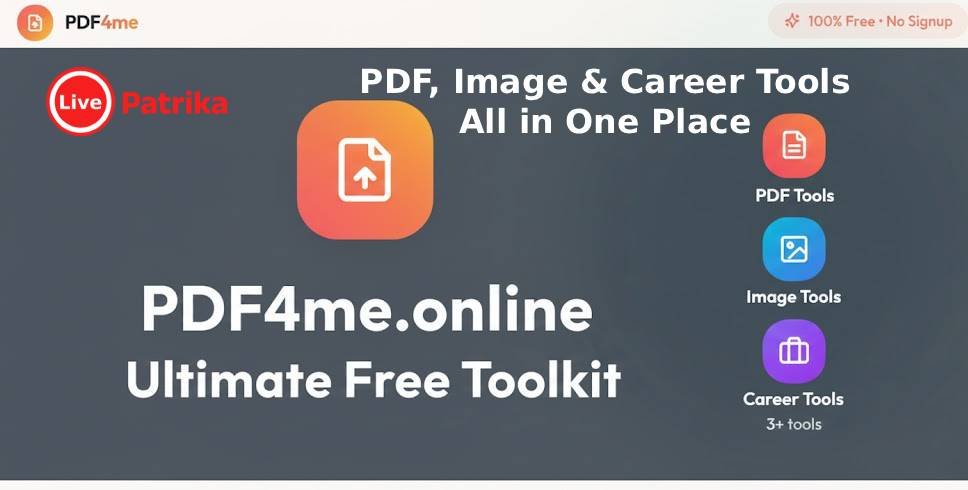

PDF4me is a free, no-signup, all-in-one toolkit that lets anyone handle PDFs, images, ZIP files, and basic career tasks from a single, clean web interface, completely ad-free and privacy-focused. It is designed as a lifetime-free productivity hub, ideal for students, professionals, creators, and small businesses who want quick document fixes without installing software or creating an account.
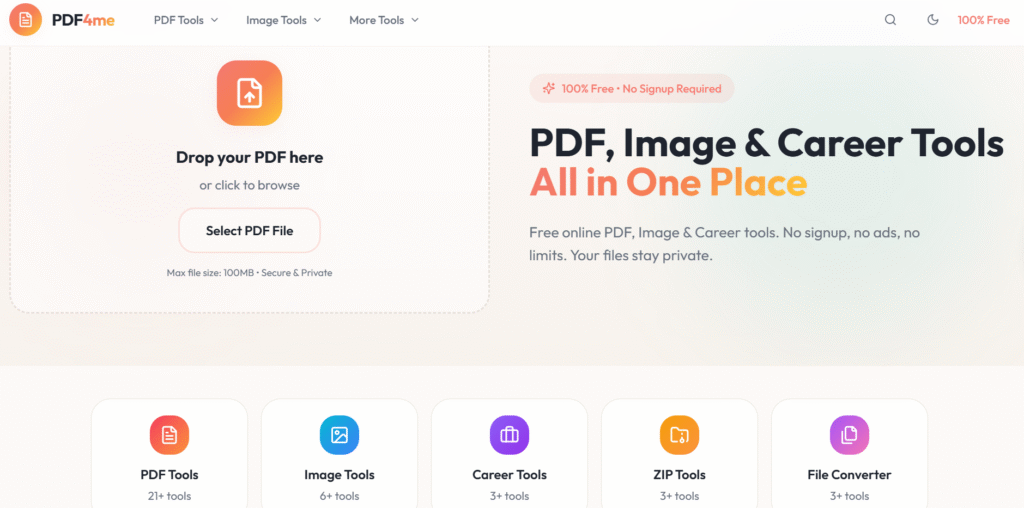
What is PDF4me.online?
PDF4me.online is a browser-based platform that bundles dozens of everyday document utilities—PDF tools, image tools, ZIP tools, and career helpers—on one minimalist dashboard. Users simply upload a file, choose a tool (like merge, compress, convert, or edit), process it in the cloud, and download the result in seconds.
Key pillars:
- 100% free for lifetime, with no hidden paywalls or mandatory signups.
- No ads and no tracking-heavy clutter, which keeps the experience clean and fast.
- Works entirely in the browser across desktop and mobile, so no installation is required.
Core PDF tools
The heart of the site is its collection of PDF utilities covering the full lifecycle of a document—from creation and conversion to optimization and security.
Popular PDF actions include:
- Merge, split, and organize pages to assemble or rearrange long documents.
- Compress PDFs for faster sharing while preserving readable quality, ideal for email or web uploads.
- Convert between PDF and Office formats (Word, Excel, PowerPoint) or images (JPG, PNG, TIFF) in both directions.
- Add watermarks, page numbers, passwords, redactions, and signatures for branding and protection.
These tools are especially useful for:
- Students submitting assignments and projects.
- Freelancers and agencies preparing client reports, proposals, and invoices.
- Businesses handling contracts, forms, and compliance documents that must stay secure and lightweight.
Image, ZIP, and career tools
Beyond PDFs, the platform also provides focused utilities for images, archives, and basic professional documents, making it a broader file-utility hub.
Non-PDF modules:
- Image tools: Convert PDFs to images and images to PDF, resize, crop, and prepare graphics for web or documents.
- ZIP tools: Pack or unpack files, combine multiple processed outputs into a single ZIP for easier sharing and archiving.
- Career tools: Simple helpers for CVs and document preparation that make it easier to format and share professional files online.
Because everything runs in the browser, users can jump between tools in one session—for example, extract images from a PDF, tweak them, convert back to PDF, and compress the final file without leaving the site.
Why this platform stands out
In a crowded PDF-tools market, PDF4me.online positions itself as a frictionless, AI-built, no-code, always-free alternative to traditional, login-heavy solutions.
Distinct advantages:
- No signup barrier: Users can complete tasks instantly without creating accounts, which is rare among popular PDF suites.
- All-in-one workflow: Having 30+ tools on one domain eliminates the need to juggle multiple niche sites.
- Built with generative AI and automation in mind, which makes it easier to expand with new utilities over time while maintaining a modern, minimal UI.
This combination makes the site particularly attractive for creators, remote workers, and teams that need quick, reliable document handling without committing to subscriptions or installing heavy desktop software.
If you work with documents every day, you already know the pain: five different websites for five simple tasks, constant signups, aggressive ads, and “free” tools that suddenly lock features behind paywalls. PDF4me.online is built to end that chaos. It brings a complete set of free PDF, image, ZIP, and career tools together in one clean, ad-free dashboard—no signup, no installation, and no usage limits.
All your essential PDF tools in one place
PDF4me.online covers almost everything you ever need to do with a PDF. You can merge multiple files into a single polished document, split long PDFs into sections, reorder or delete pages, and compress large reports for quick sharing—directly from your browser. When you need to switch formats, the platform converts PDFs to Word, Excel, PowerPoint or images and back again, while keeping layouts as close as possible to the original.
Security and branding features are built in. You can protect sensitive files with passwords, unlock protected documents you own, redact confidential information, add page numbers, or stamp files with your own watermark or logo. For contracts, agreements, or approvals, digital signatures let you sign PDFs without printing or scanning.
Beyond PDFs: image, ZIP, and career helpers
What makes PDF4me.online more powerful than a typical PDF-only site is the extra toolkit around it. The image tools let you turn PDFs into high-quality JPG or PNG images, convert multiple images into a single PDF, and adjust size or crop before exporting. This is perfect for designers, social media managers, and students who often move between screenshots, scans, and documents.
On top of that, ZIP utilities help you bundle or extract archives so sharing multiple processed files becomes effortless. The site also includes handy career-focused features to refine CVs and professional documents, making it a practical companion for job seekers and freelancers who regularly send polished PDFs to clients or recruiters.
100% free, no signup, no ads
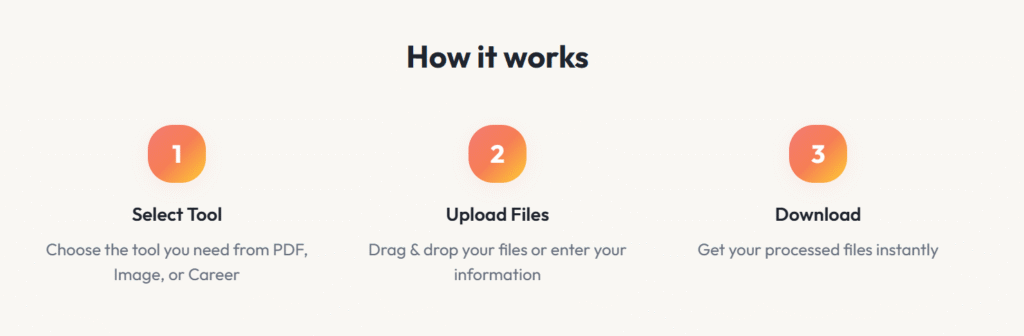
One of the biggest reasons users stick with PDF4me.online is its simple promise: everything is free for lifetime use, with no signups and no ads cluttering the workspace. You open the site, drop your file, choose a tool, and download the output—there are no registration forms, trial periods, or surprise paywalls in the middle of your task.
Because everything runs in the browser, it works on Windows, macOS, Linux, Android, and iOS without any software installation. Whether you are on a laptop at work or a phone on the move, the tools stay just a tap away in your browser.
Who should use PDF4me.online?
PDF4me.online is built for anyone who wants fast, reliable document tools without complexity. Students can compress and convert assignments, combine notes, and export slides as neat PDFs in seconds. Creators and freelancers can watermark portfolios, sign agreements, and generate lightweight PDFs for email or web uploads without worrying about file size or format issues.
Small businesses and remote teams can standardize on one simple toolkit to handle contracts, invoices, HR forms, and reports while keeping everything secure and easy to share. With its AI-first, no-code foundation, the platform continues to grow with new utilities, so your workflow only gets smoother over time.
Try it now
If you are tired of juggling multiple websites and subscriptions just to edit, compress, or convert a PDF, bookmark PDF4me.online today. Drop in your next document and experience how effortless file handling can be when everything is in one place, always free, and just works in the browser.
Visit: https://pdf4me.online/ and start transforming your documents in seconds.